01
ERP, CRM & business tools
Software shaped
like your business
Days
To a first prototype
AI
Ask your own data
1 system
For every team
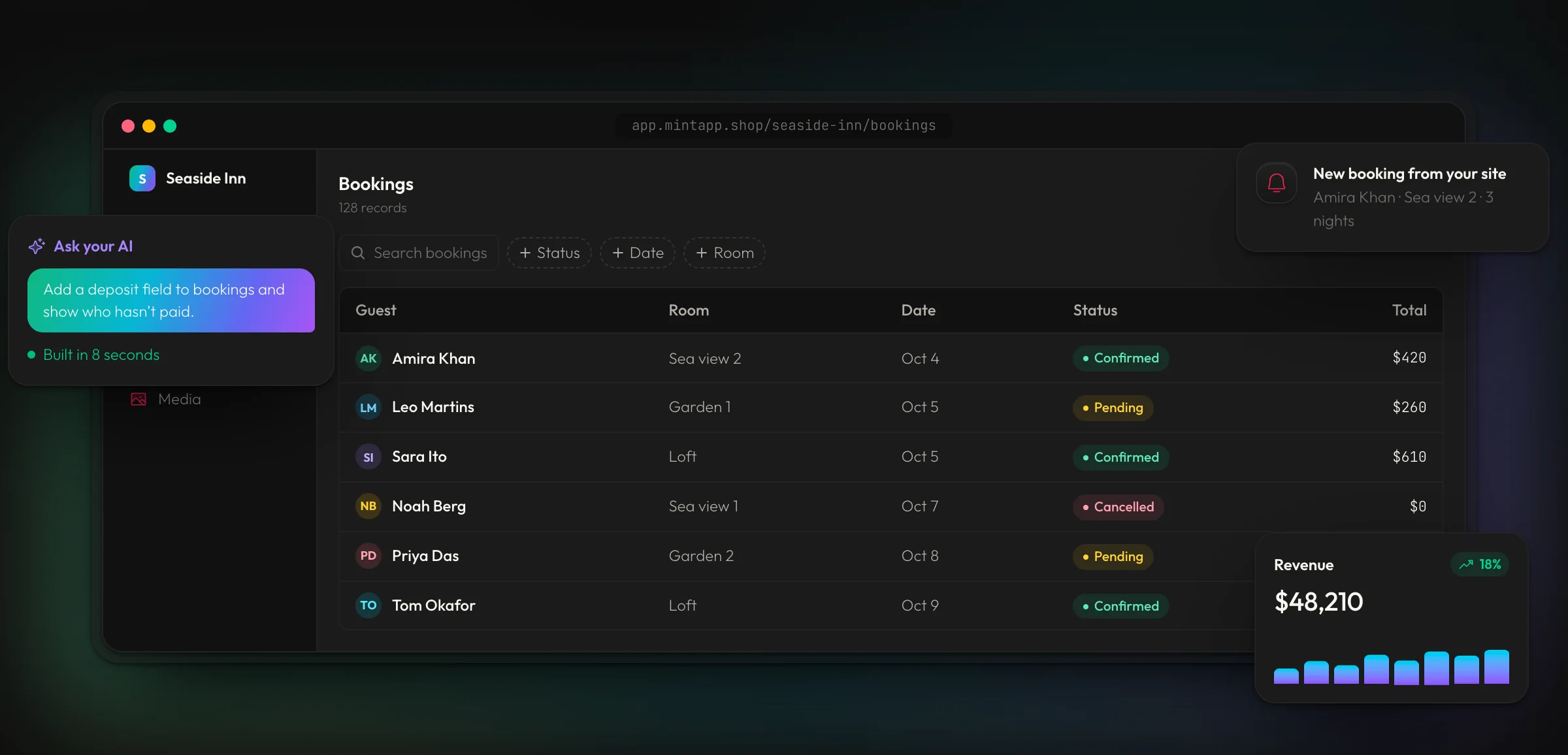
Your ERP, CRM, dashboards and everyday tools, built around how your team already works. One system for every department, run by your people or by your own AI.
02
Sound familiar?
Your business has
outgrown its tools
Most teams don't need more software. They need one system that fits.
01
Spreadsheets that break
Ten versions of the same file, formulas nobody dares touch, and numbers that never quite match.
02
Tools that don't talk
Sales in one app, stock in another, invoices in a third. Someone copies data between them every day.
03
Fees that keep growing
Every new hire means another monthly seat, for features half the team never uses.
04
Software that bends you
Off-the-shelf systems make you change how you work to fit them, instead of the other way round.
03
What we build
One system,
every department
Start with the part that hurts most. Every tool runs on the same live data, so each one you add makes the others smarter.
01 — Run the whole business
ERP
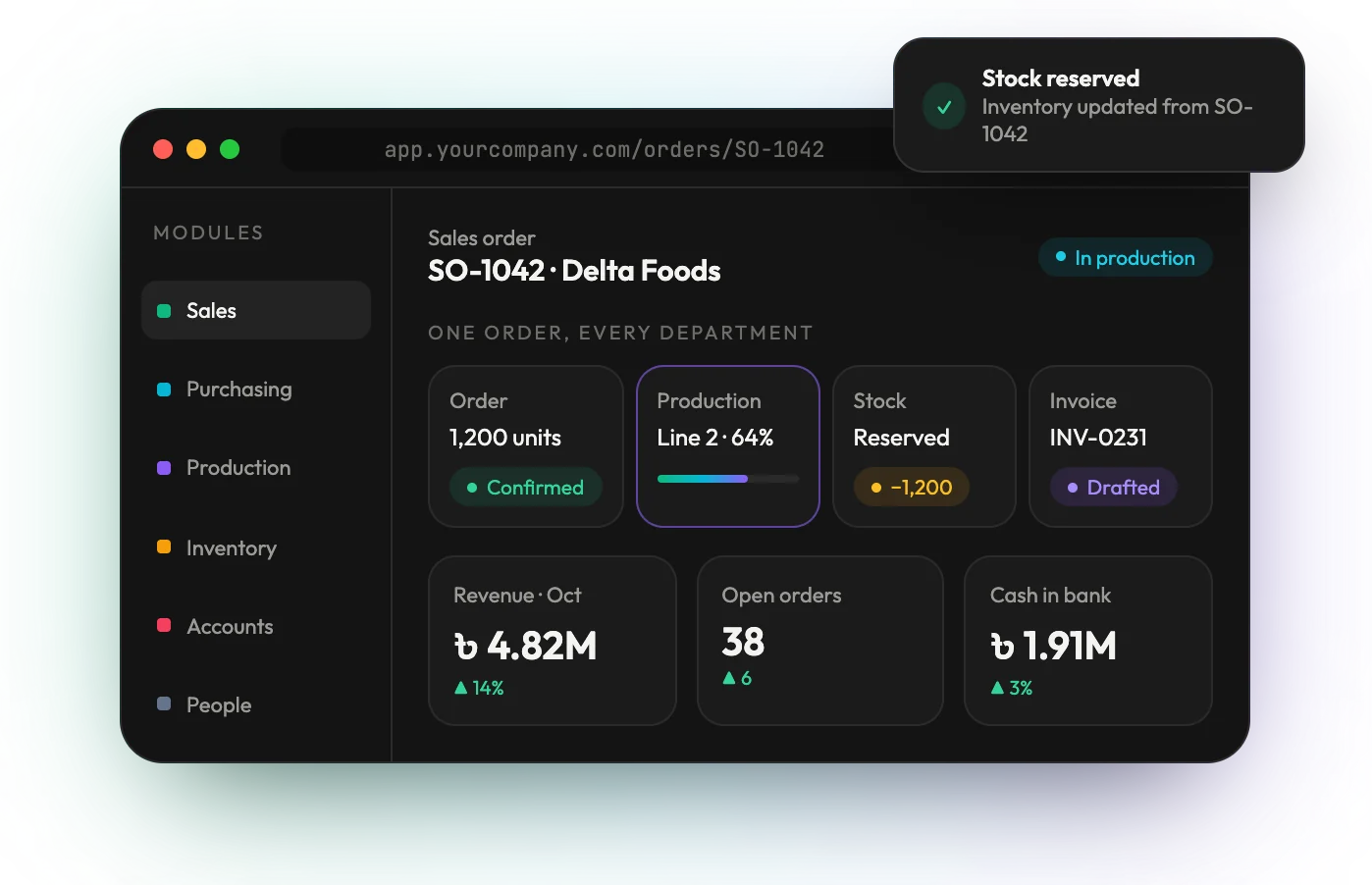
One order moves through sales, production, stock and accounts on its own, so every department works from the same live numbers.
02 — Never lose a lead
CRM & sales pipeline
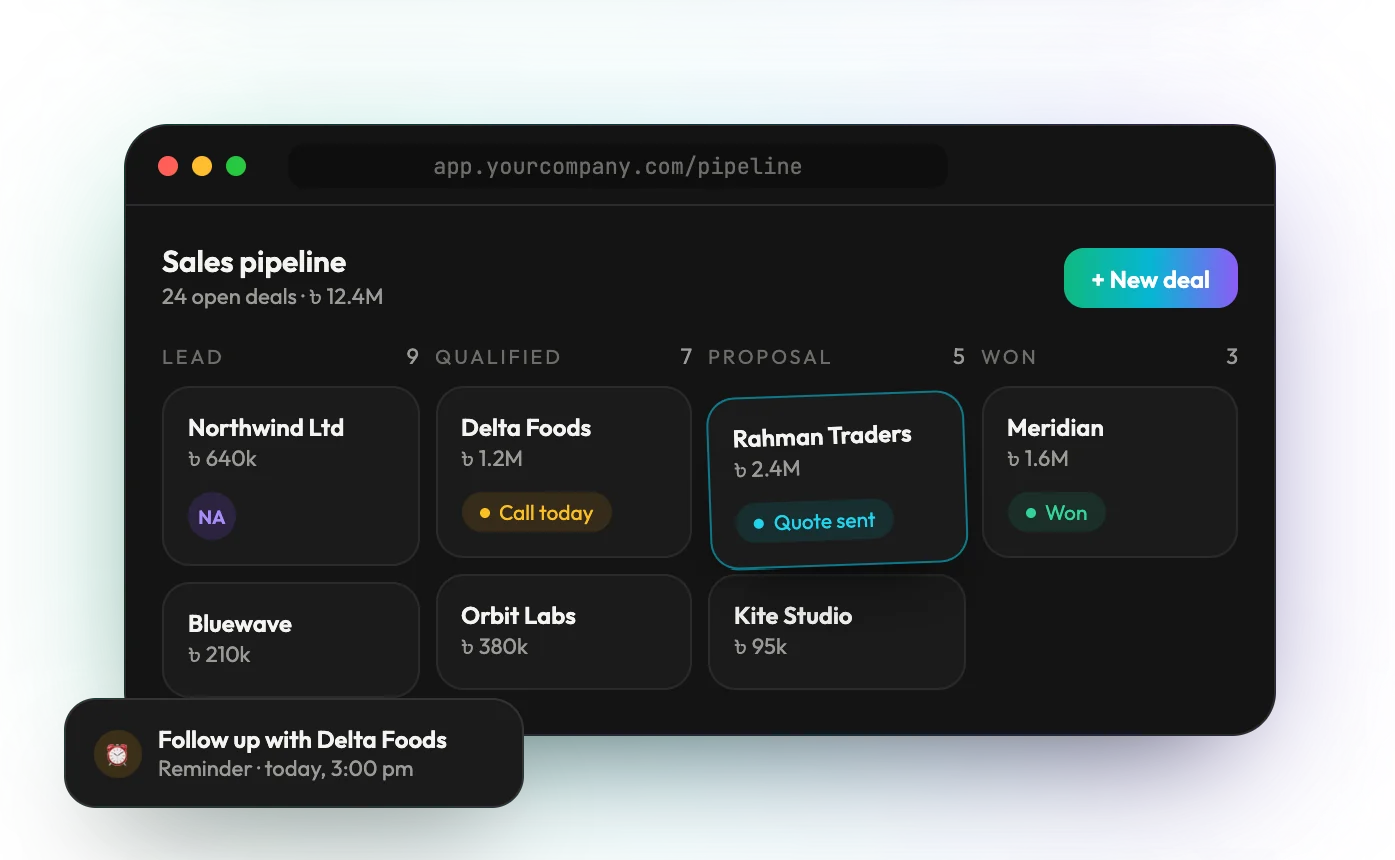
Every lead, call, quotation and deal on one board, with reminders that make sure nobody is forgotten and forecasts you can trust.
03 — See it at a glance
Dashboards & reports
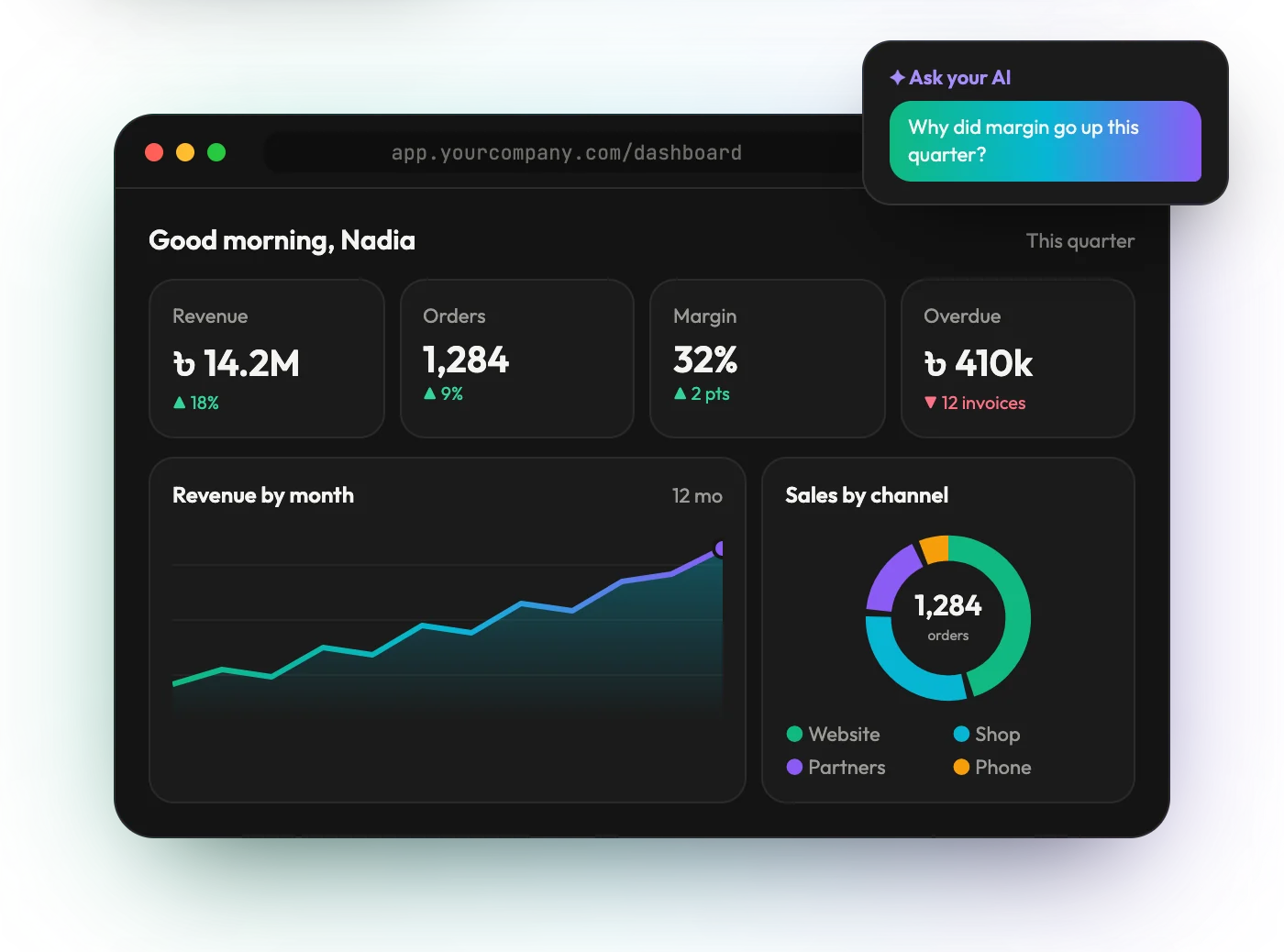
Revenue, orders, margins and what's overdue on one screen, shown by role, with an AI you can ask why a number moved.
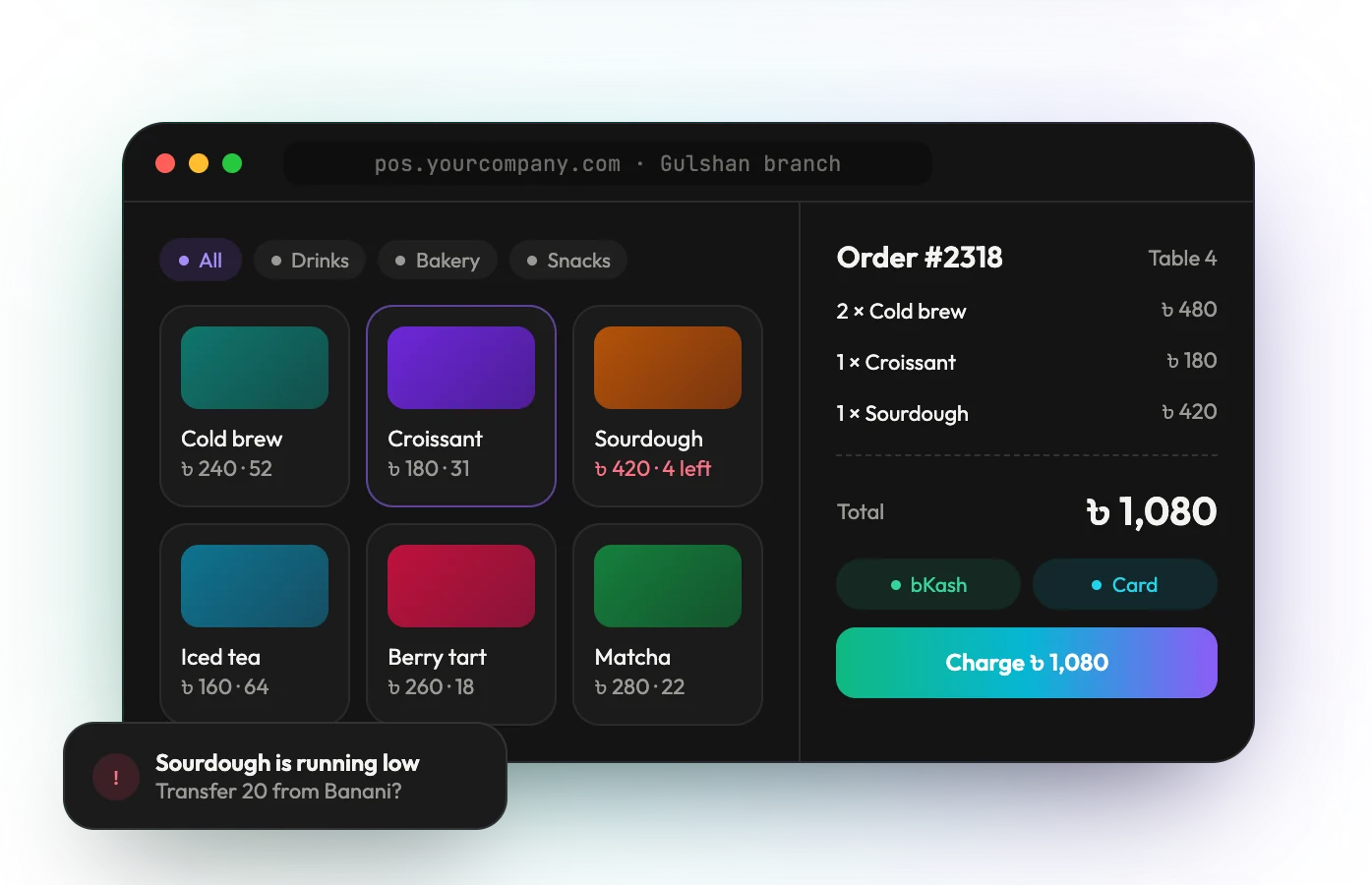
04 — Stock you can trust
Inventory & POS
Sell at the counter with bKash, card or cash, and watch stock update across every branch, with alerts before anything runs out.
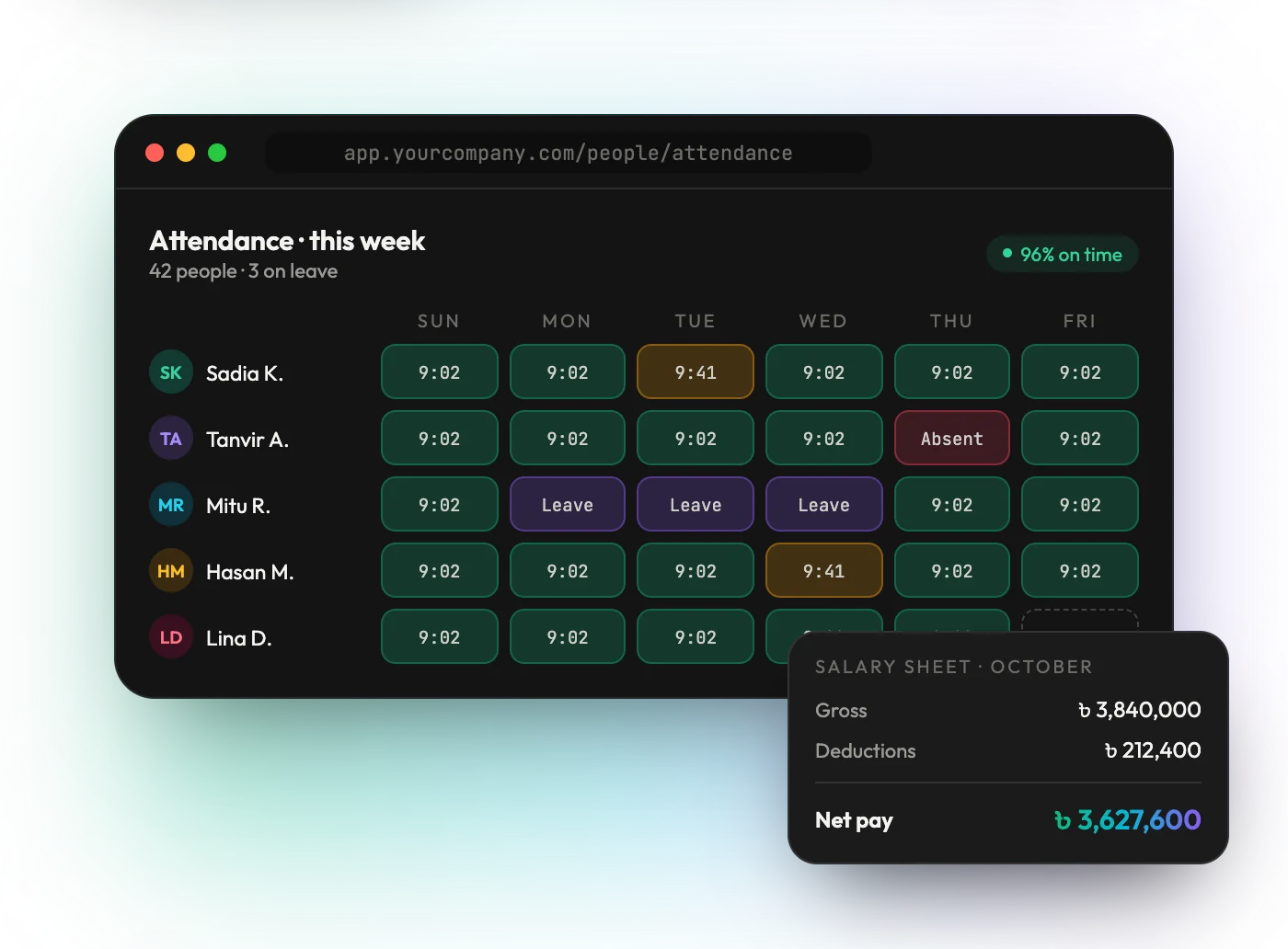
05 — Your people, organised
HR, attendance & payroll
Check-ins, leave and late days for the whole team, turned into an accurate salary sheet at the end of the month.
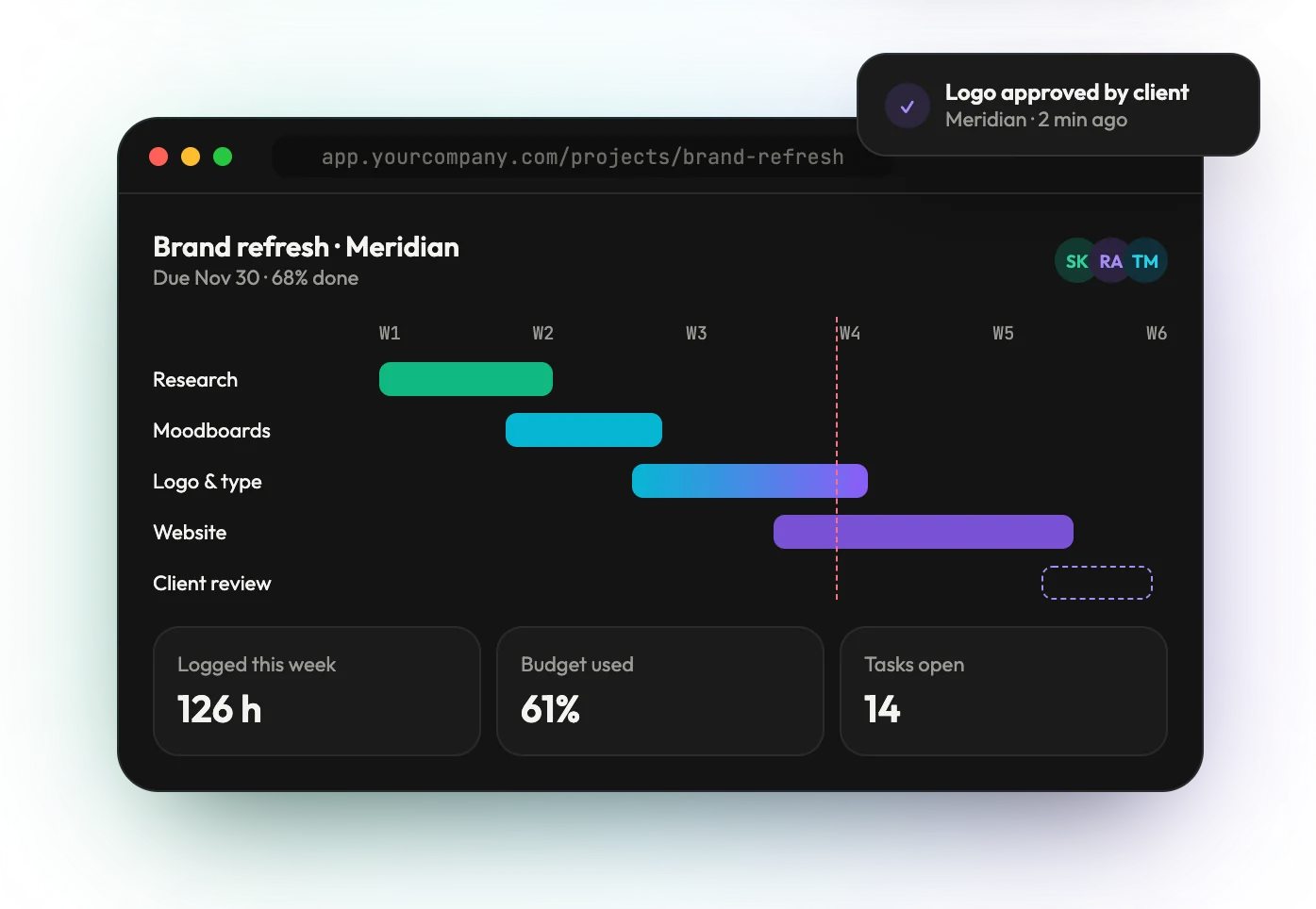
06 — Know where work stands
Projects & job tracking
Timelines, tasks, hours and budgets for every job, with client approvals that land in the project the moment they happen.
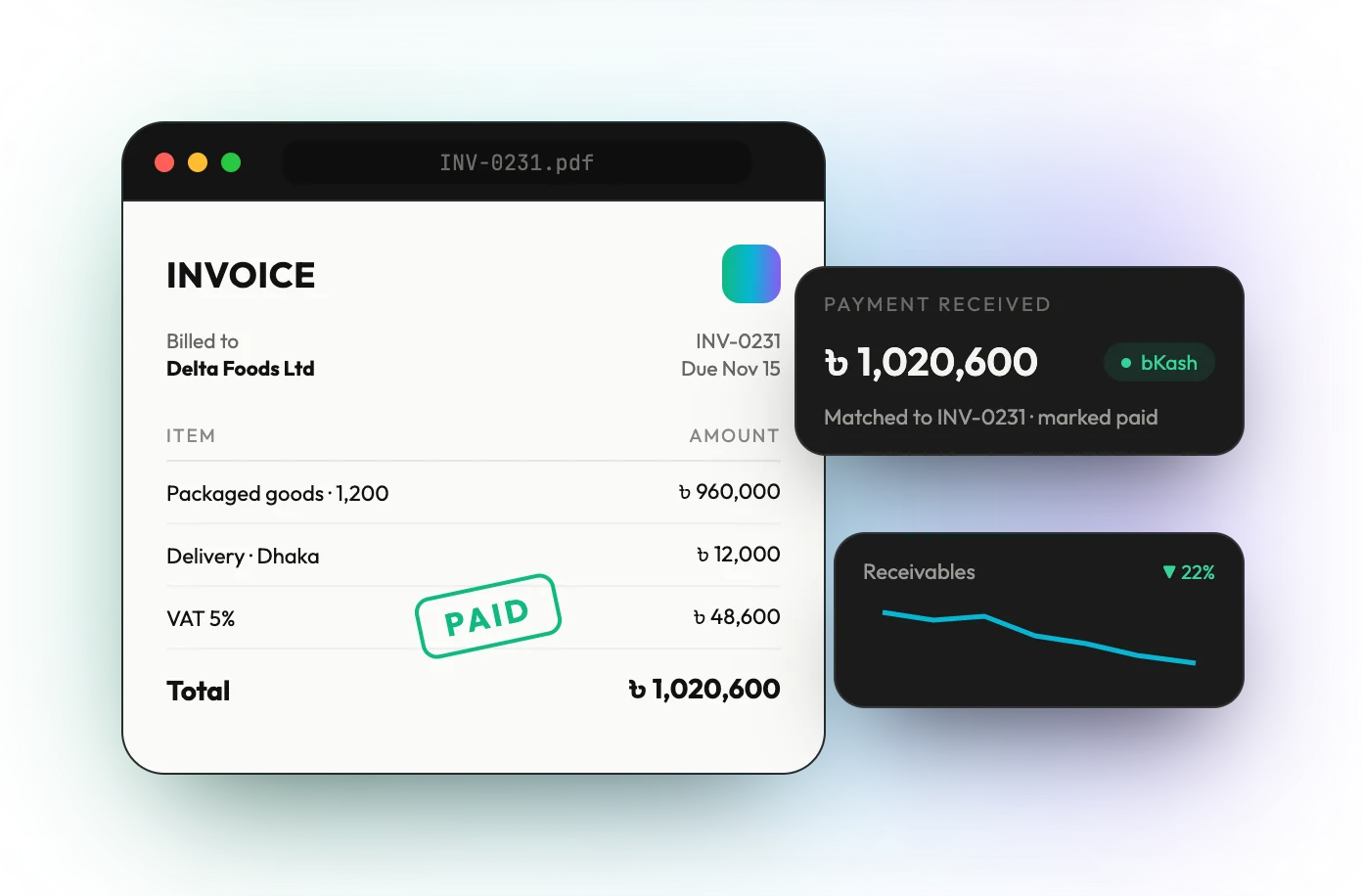
07 — Get paid faster
Invoicing & accounts
Invoices in your own design, payments matched to them automatically, and receivables you can watch shrink.
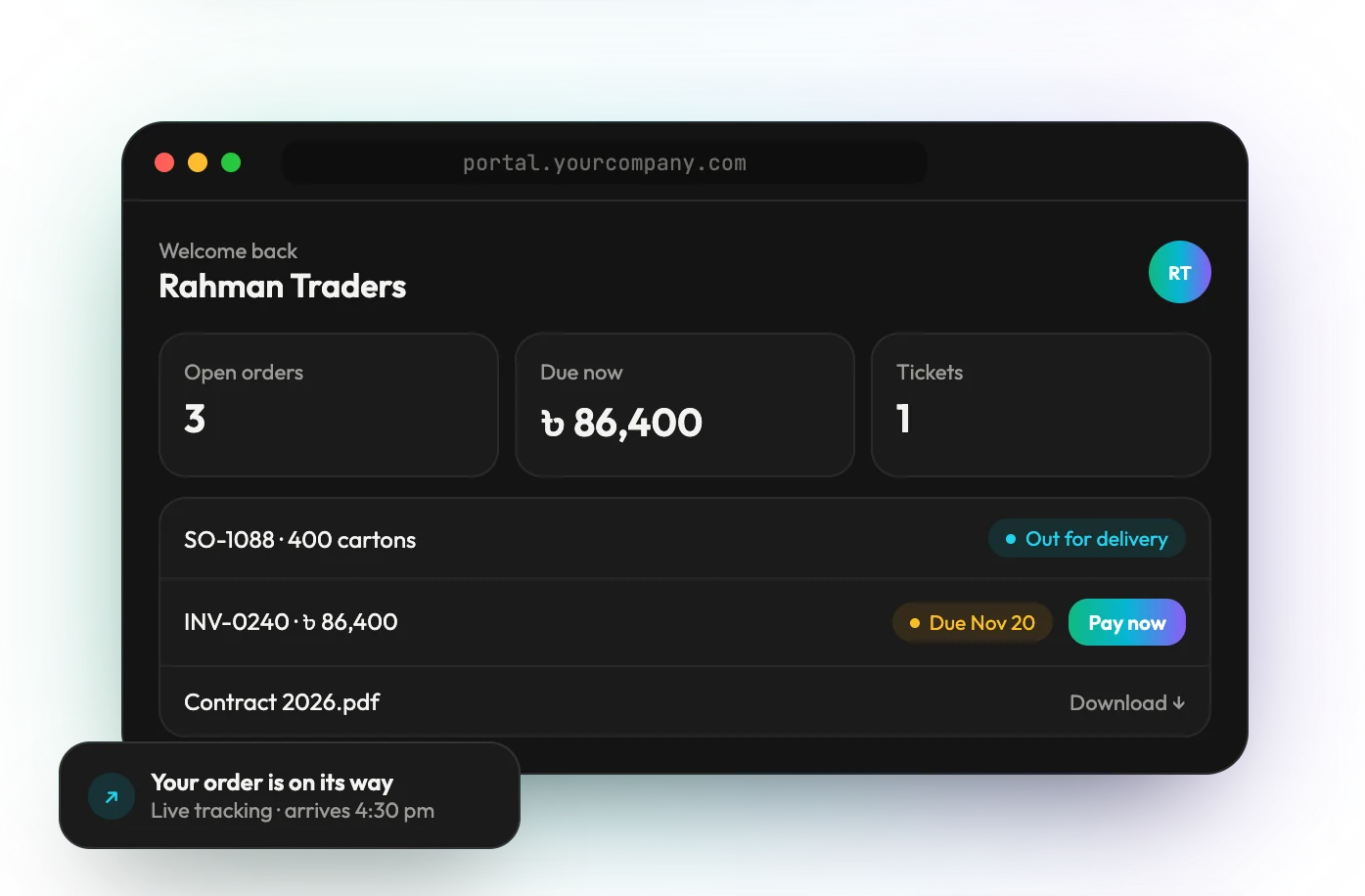
08 — Let customers help themselves
Client portals
Customers sign in to track orders, pay invoices, download documents and raise tickets, without calling your team.
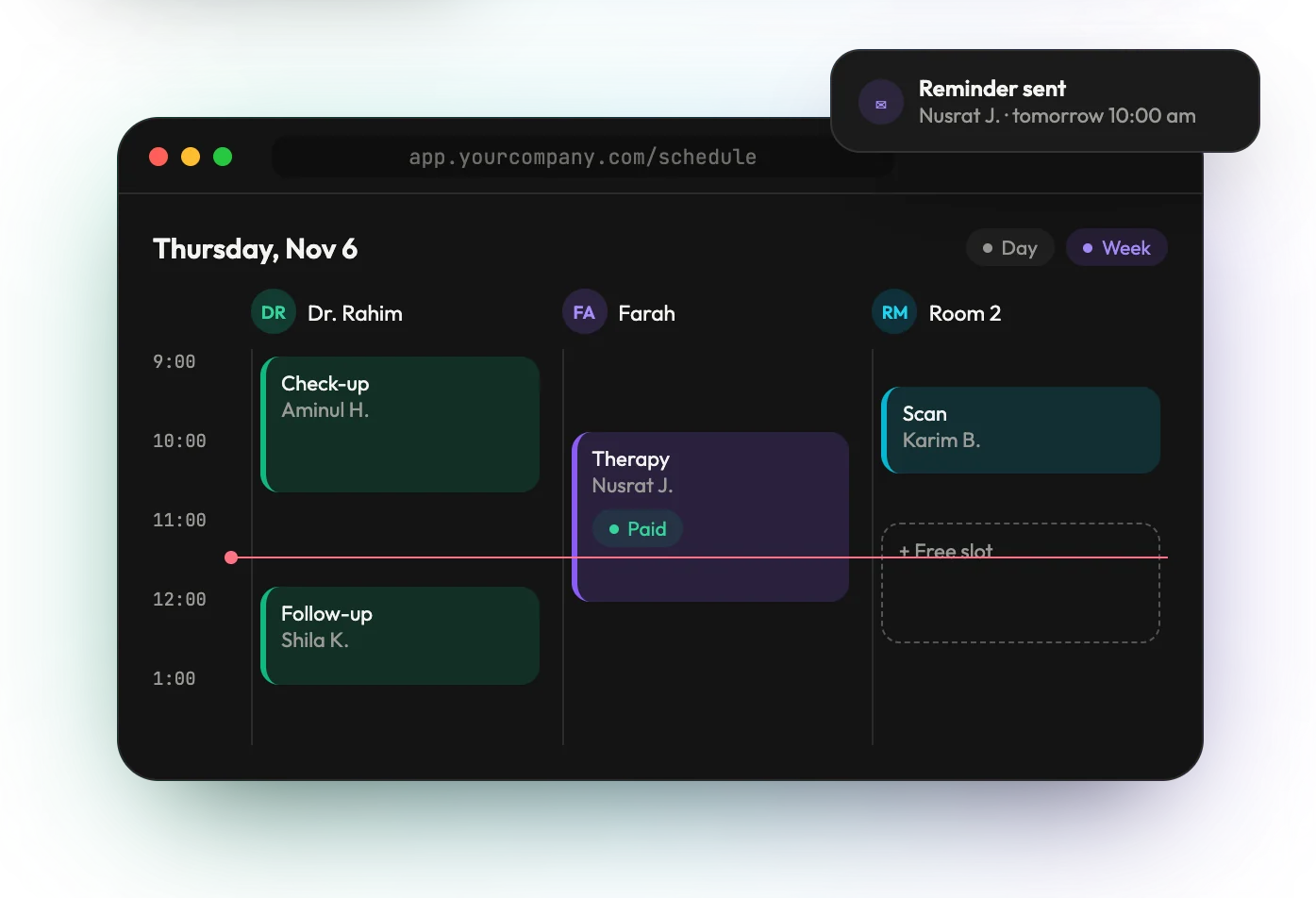
09 — Fill the calendar
Bookings & scheduling
Appointments by staff and room, free slots at a glance, and reminders that go out on their own, for clinics, salons, schools and services.
04
What's included
Everything your
team runs on
One system with the data, screens, rules and connections your business needs, and the AI to work with all of it.
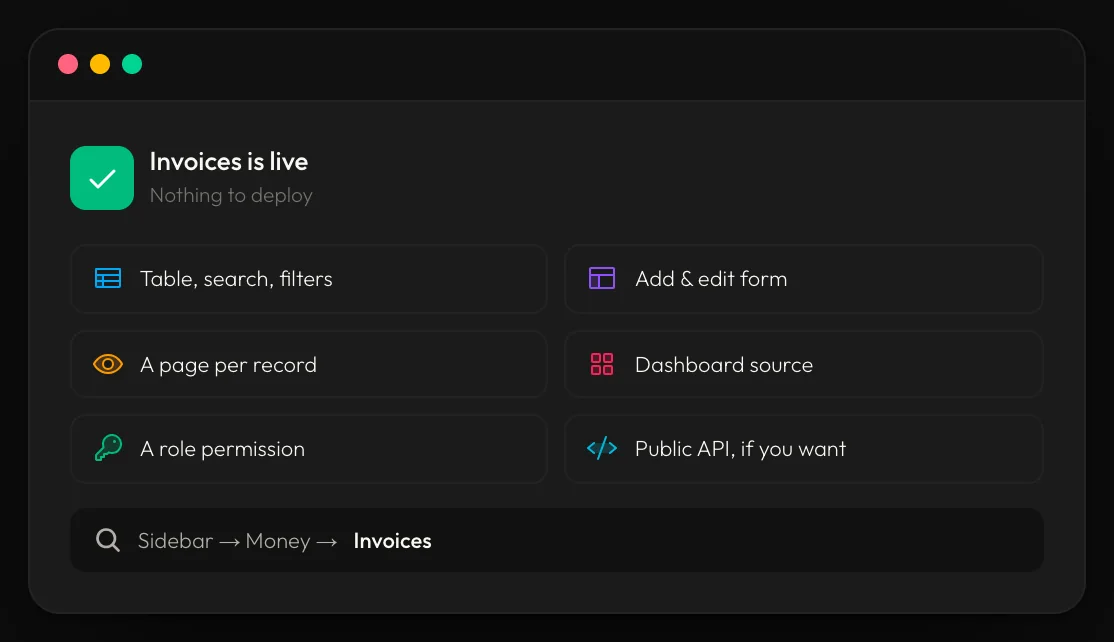
01 — Every list, searchable
Live tables
Filters, saved views, bulk edits and exports on every list. Bring in thousands of rows from Excel in one all-or-nothing upload, and each new list is live the moment it's created.
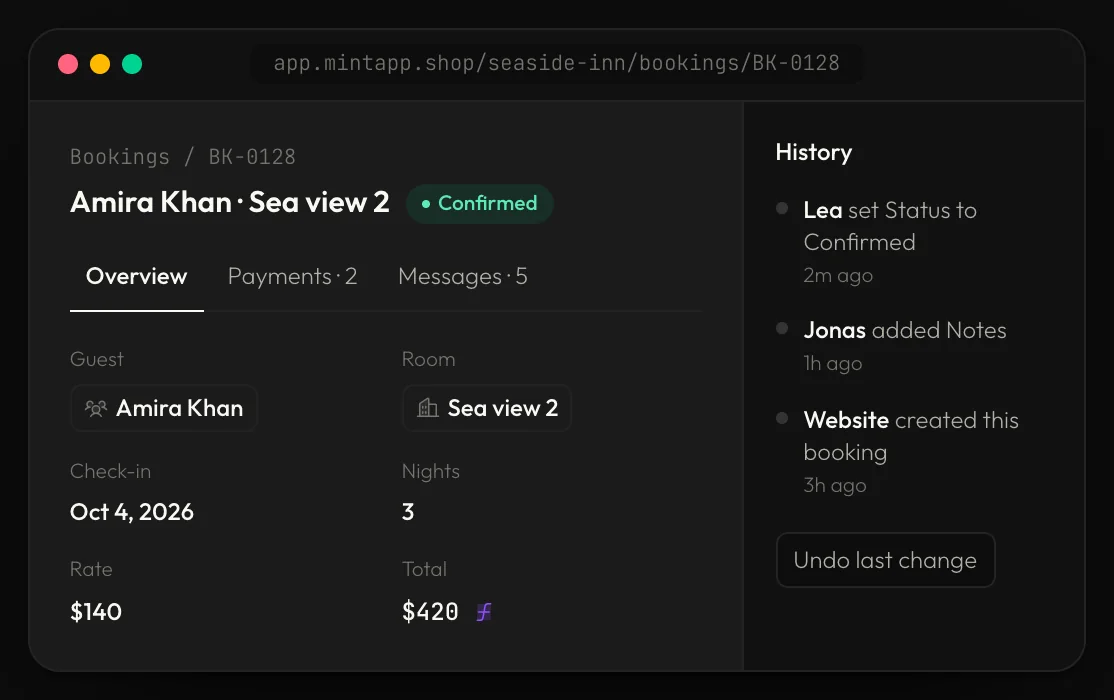
02 — The full story in one place
A page for every record
Every customer, order or employee gets its own page with tabs for everything linked to it, comments, and a history of every change you can undo.
03 — Linked data and formulas
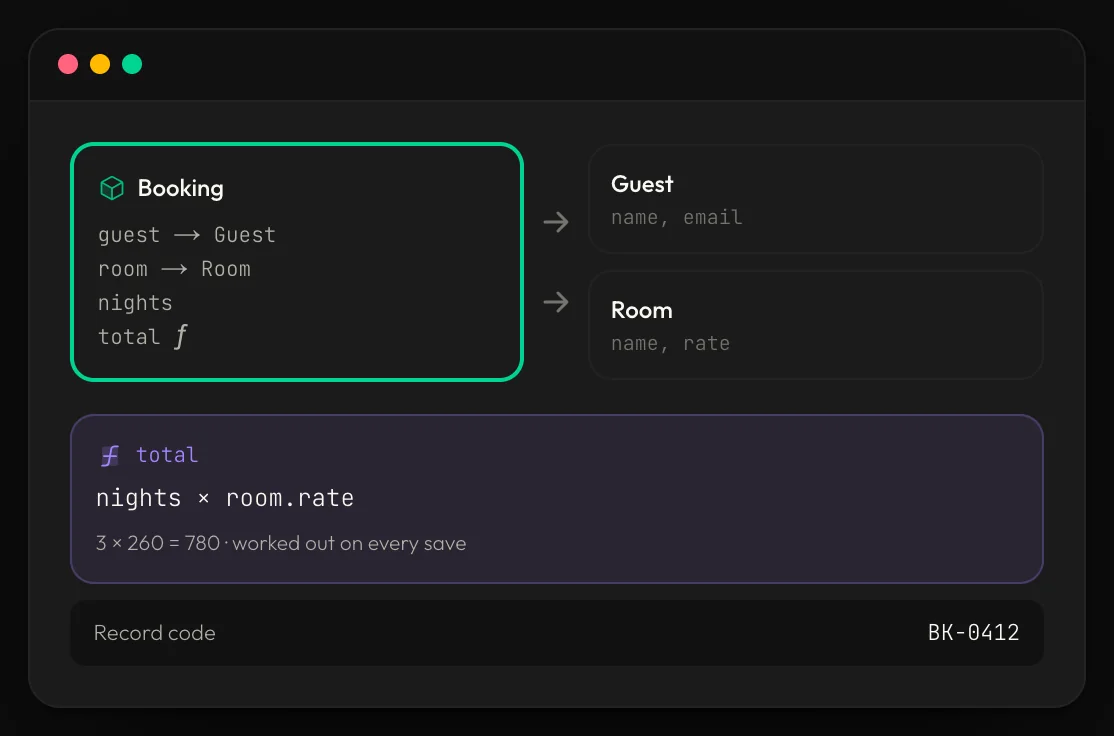
Records that update each other
Bookings link to guests and rooms, totals calculate on every save, a payment marks its invoice paid, and a stock transfer refuses to go below zero.
04 — The business at a glance
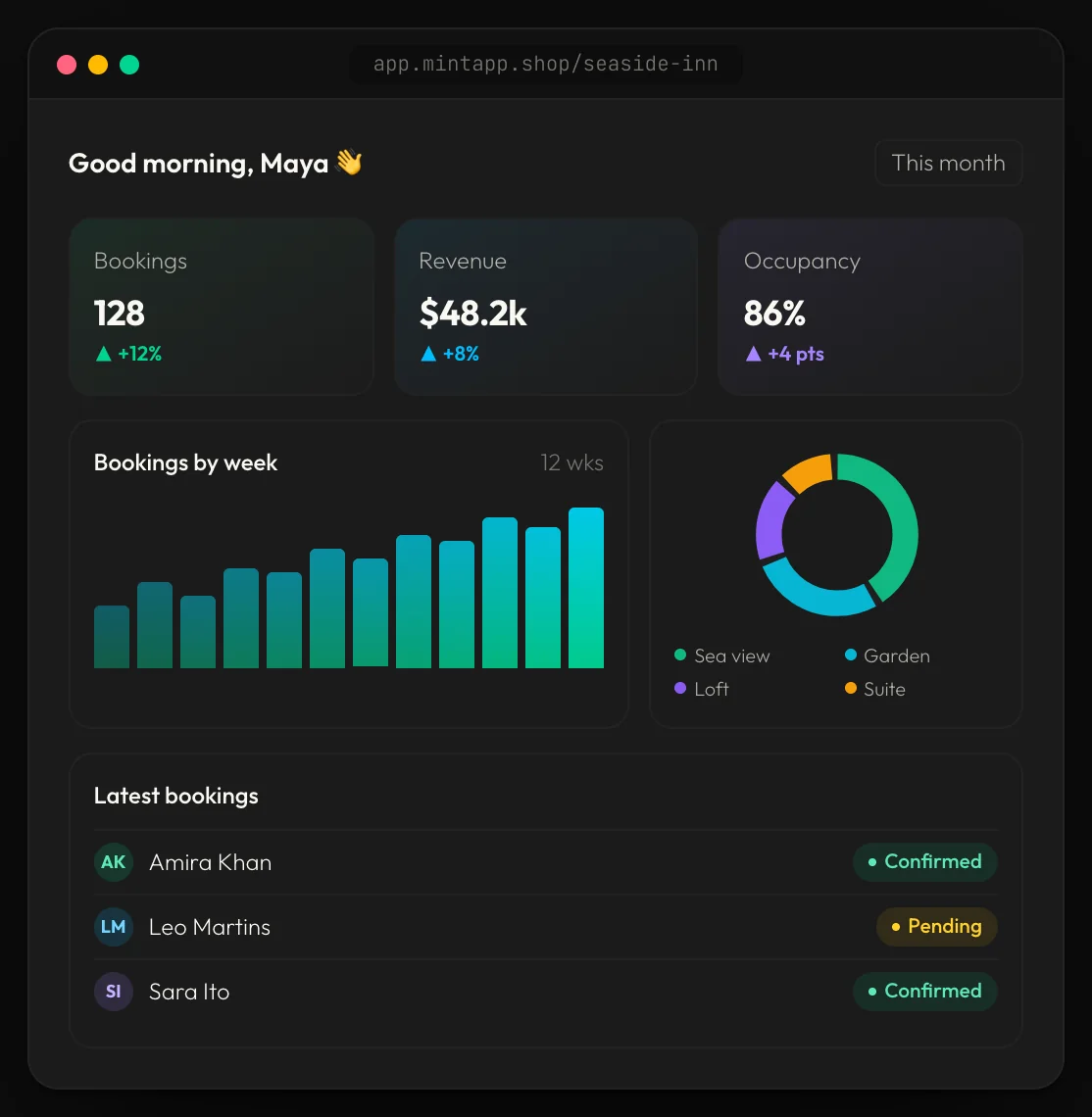
Dashboards
Totals, trends, charts and the latest activity, built from your own live data and shown to each person according to their role.
05 — The right access for everyone
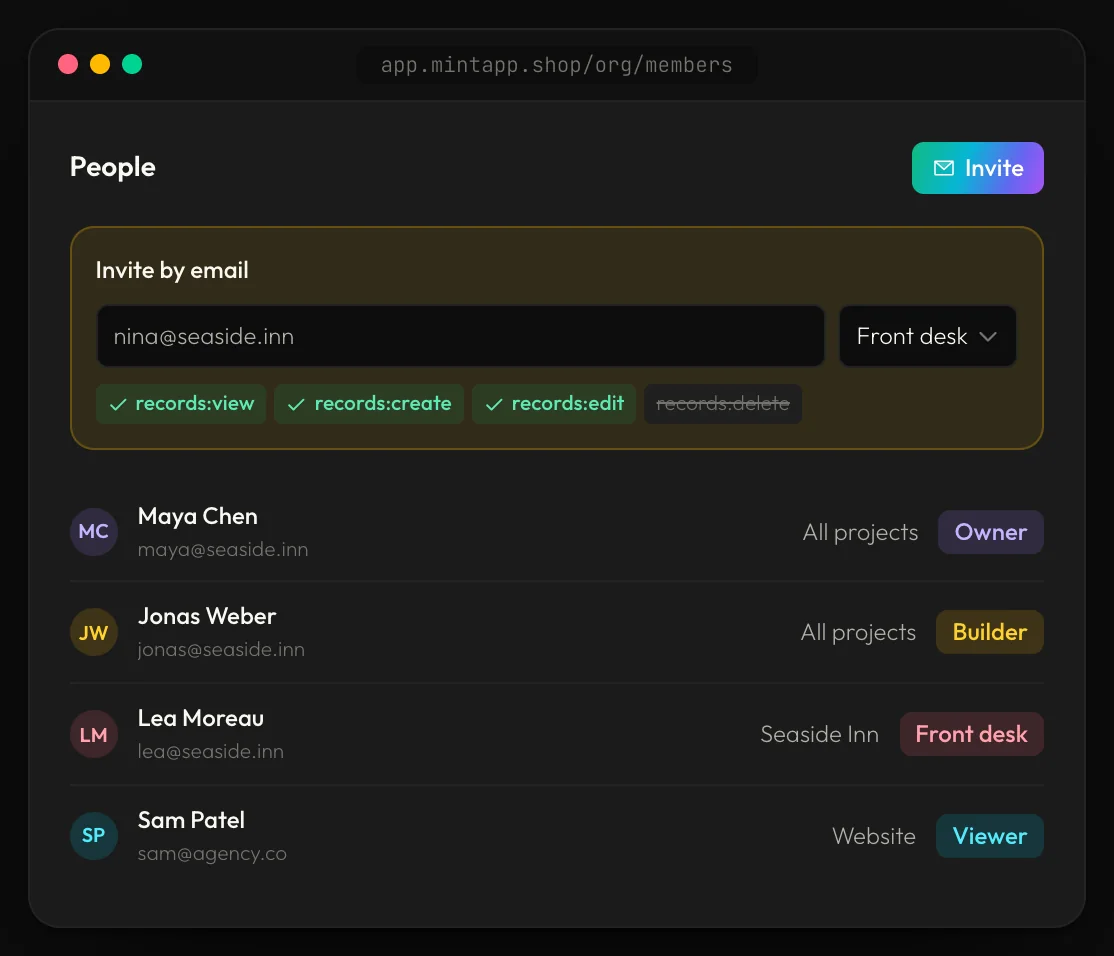
Team & roles
Invite your team by email and decide exactly what each role can see, add, edit or delete, down to private records with their own owners.
06 — Systems that talk
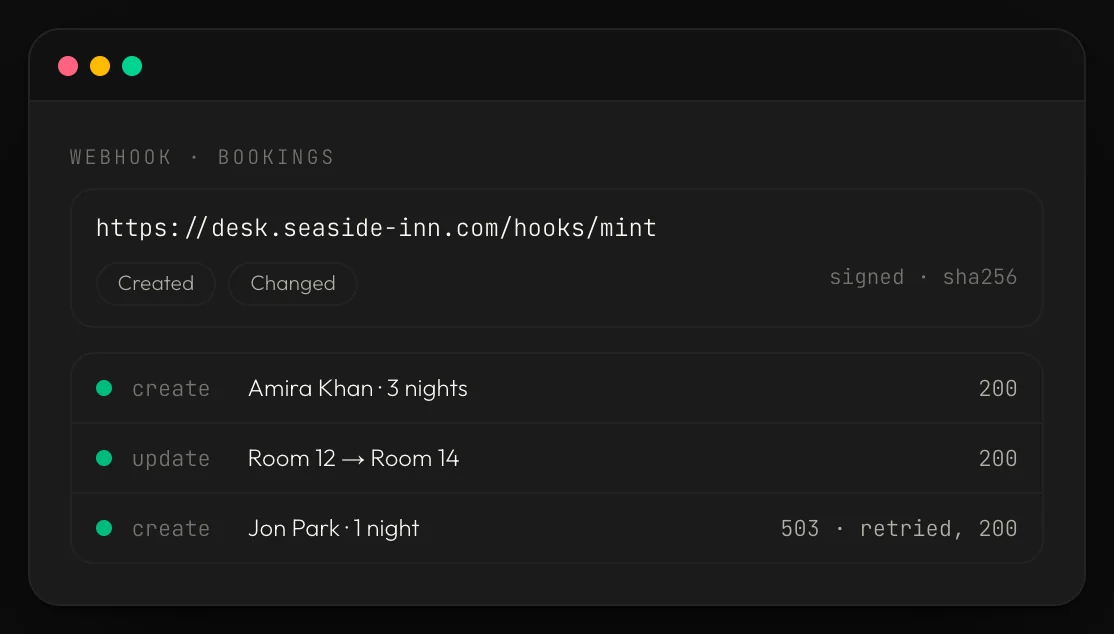
Automations & integrations
When a record changes, send an email or a notification, update other records, or call your other systems with signed webhooks that retry until they get through.
05
More features
And everything
else you need
Turn on what you need today and add the rest as you grow.
01
Invoices & PDFs
Quotations, invoices and receipts in your own design, downloaded or emailed in one click.
02
Two-factor sign-in
Email codes, passkeys and backup codes, with control over every signed-in device.
03
Search everything
Find any customer, order or invoice from one search box.
04
Install as an app
Add it to any phone or computer and open it like a native app.
05
Formulas & rules
Totals, due dates and calculated fields that work themselves out.
06
Archive & undo
Archive what you don't need and bring back anything deleted by mistake.
07
Branded emails
Emails from your own domain, in your own design.
08
Your own API
Secure endpoints for your website, mobile apps and partners.
09
Support tickets
Customer and staff requests in threads, all in one place.
10
Media library
Every file and photo in folders, linked to the records they belong to.
11
Comments & replies
Talk about a record on the record itself, with replies and notifications.
12
Notifications
The right person hears about a change the moment it happens.
06
AI built in
Ask your
business
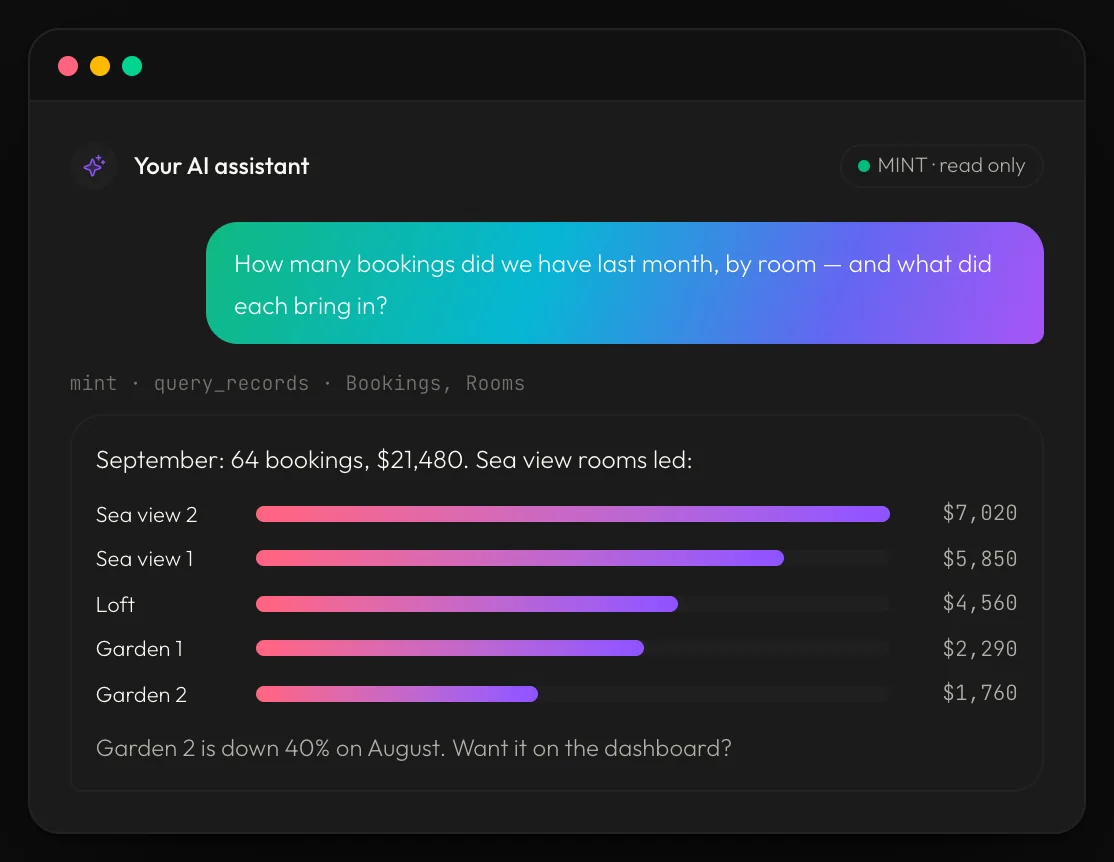
Connect Claude or ChatGPT to your system and just ask. It reads your records, adds new ones and builds reports for you, and it only ever sees what that person is allowed to see.
Which customers haven't paid this month?
Add these 20 products from my supplier's list
Show sales by branch for the last quarter
Which items will run out of stock next week?
Draft a quotation for Rahman Traders
07
Compare
Why custom
beats the rest
How a system built for you compares with what most businesses use today.
01
Spreadsheets
Free and familiar, but easy to break, hard to share safely, with no history, no rules and no automation.
02
Off-the-shelf software
Ready on day one, but you change your process to fit it, pay for every user, and wait for features you need.
03
Built with Thinkcrypt
Built around your process, connected to your other tools, with AI access built in, and new modules added whenever you need them.
08
Start small
Start with one.
Grow into all.
You don't have to replace everything at once. Each new module is added to the same system, never a rebuild.
01
Month 1
Begin with the part that hurts most, like a CRM for your sales team.
02
Month 3
Add inventory and invoicing. Orders from the CRM now move stock and raise invoices on their own.
03
Month 6
Bring in HR, dashboards for management and a portal for your clients, all on the same data.
09
Moving over
Bring your
data with you
We move you off Excel, Google Sheets, Tally, QuickBooks or your old system. We import and clean your records and check that every total matches before your team switches over.
Excel & Google Sheets
Tally
QuickBooks
Old databases
Other SaaS tools
10
Who it's for
Built for how
your industry works
01
Manufacturing
Orders, production runs, raw materials and finished stock, linked from start to finish.
02
Retail & wholesale
POS, branches, stock transfers, suppliers and customer credit.
03
Agencies & services
Clients, projects, timesheets, retainers and invoices.
04
Clinics & healthcare
Patients, appointments, prescriptions and billing.
05
Real estate
Leads, properties, site visits, bookings and instalments.
06
NGOs & education
Beneficiaries, students, programmes, donors and reports.
11
Process
How we
build it
From the first call to a system your whole team uses every day.
01
Map
We sit with your team and map how work really moves today: who does what, and where it gets stuck.
02
Prototype
Within days you click through a working prototype with your own sample data, not slides.
03
Build
We build module by module, showing you each one as it's ready.
04
Launch
We move your data, train your team and switch over without stopping the business.
05
Grow
We stay on for support and add new modules as your business changes.
12
Security
Safe with
your data
01
Two-factor sign-in
Codes, passkeys and backup codes for every account.
02
Roles for every part
People see and change only what their job needs.
03
Full change history
See who changed what and when, on every record.
04
Session control
See signed-in devices and sign any of them out.
13
FAQ
Questions
14
Contact
Let's map
your business
Book a free 30-minute process review. We'll look at how your team works today and show you what one system could do for you.